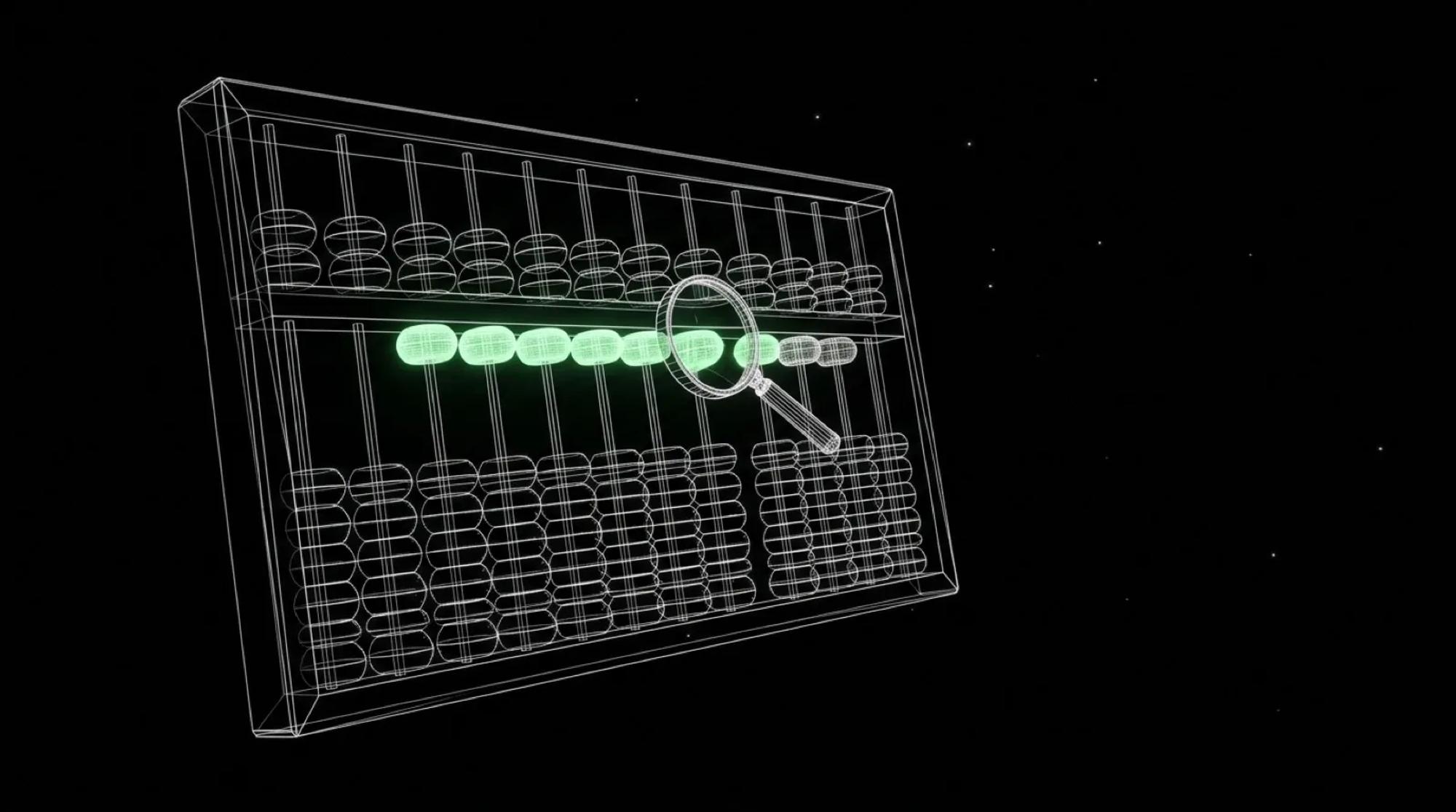
An online calculator is the page on your website that answers a precise question with a number: what a new hire will cost, what I will take home, how long it will take to repay. Many marketing teams think of it as a free SEO tool, a page that brings in traffic. That is true, but it is only half the story. A calculator that is wrong by a pound damages trust more than an average article ever could.
I talk about this because I have built them. In May 2026, I rebuilt the website of Moonworkers, my payroll software company for small UK businesses, with free calculators checked one by one against the official tools. This is the method I took from it: choose the calculation, design the form, check the result, and say what the tool does not do.
01Why an online calculator rather than another article
On most subjects, a hundred articles already say the same thing. A calculator does something else: it takes the visitor's situation and gives back their answer. Google asks the question in its guidance on helpful, reliable, people-first content: does your content provide original information or analysis? A well-built calculation can say yes, because nobody else has the visitor's input.
The same guidance adds a requirement that is easy to forget. When a topic could significantly affect people's financial stability, Google's systems give even more weight to trust. A salary, contributions or loan calculator falls squarely into that category. In other words, what gives the calculator its value also makes it risky: if it is wrong, it is wrong for someone who is about to make a decision with it.
That is why I treat it as a small product, with a specification, acceptance testing and maintenance, and not as one more content page.
02Choosing the calculation your visitors actually look for
The first trap is the generic keyword. When I looked at "calculateur en ligne" (online calculator) in Semrush for France, I saw that this family of searches is mostly people looking for a maths calculator. Nobody will come to your site to do a division. The useful searches are precise: take-home pay, a contribution, a repayment, in the words of the trade.
To choose, I ask myself four questions:
- Do my clients already ask this question, in meetings, to support, by email?
- Does the calculation have an official or published reference I can check my result against?
- Does the result help someone decide something, or is it just a curiosity?
- Who will update the calculation when the rules change, and on what date?
The second question rules out many ideas. A calculation with no reference can be done, but it means writing the rule yourself and standing behind it in public. The fourth rules out others: a contributions calculator that still uses last year's thresholds is worse than no calculator at all.
03Designing a form people fill in without mistakes
Most errors in a calculator do not come from the calculation, they come from the input. Someone types an annual amount into a monthly field, puts a space in a number, leaves a field empty. Before coding, I prefer to make a mock-up of the form and have people fill it in, as with a clickable prototype.
A visible label for every field
The W3C says it plainly in its tutorial on labelling controls: every field has a label, associated in the code, and most users prefer it to stay visible. Grey text inside the field that disappears once you start typing is not enough. The label also states the unit and the period: "Gross monthly salary, in pounds", not "Salary".
Fields designed for numbers
The GOV.UK Design System, used by UK public services, gives advice I apply everywhere: do not use the browser's "number" input unless research shows a need for it, because users can increment a number by accident, and prefer a text input that brings up the numeric keypad on mobile. It also recommends short hint text and a field width that matches what you expect.
Errors that help people fix them
In a short NNgroup video on handling errors, Nielsen Norman Group sums up the rule in three steps: say clearly that an error has occurred, say in plain language what went wrong, and offer a way to fix it straight away. The video adds that preventing the error in the first place is better still. Their article on error-message guidelines makes two points that matter for a calculator: put the message next to the field concerned, and keep what the person has typed. Nothing is more irritating than a calculator that wipes everything because one field was wrong.
04Checking every calculator against the official tool
This is the step people skip most often, and the one I care about most. A calculator that "looks right" on three examples has not been checked. At Moonworkers, every calculator on the site was compared with the official tools before going live. And an oracle written from HMRC's texts replayed 896 National Insurance cases: it found four errors of one penny, all caused by a rounding rule. Nobody would have spotted them by eye. I described the method in detail in the article on test oracles.
Here is how I go about it, in short.
1. Write the rule before the code
One page, no more: the inputs, the formula, the thresholds, the rounding, the official source and its date. If I cannot write it down, I do not understand the calculation yet.
2. Pick cases that hurt
Not just average cases. Cases just below a threshold and just above, zero, a very large amount, a partial period. Those are the ones that break the rounding.
3. Compare with the reference, case by case
Each case goes through my calculator and through the reference tool or text. Any gap, even a penny, gets settled: either my calculation is wrong, or the reference covers a case I had not foreseen, or I misread the rule. I write down the decision.
4. Test like a visitor, on the live page
A calculation that is correct in tests can still be broken online: a script that does not load, a cache serving the old version, a decimal separator read the wrong way. I have seen a site look normal to the logged-in team and be broken for visitors. So I rerun a few cases on the public page, from a browser with no session, as in my acceptance testing and go-live checklist.
5. Replay at every rule change
The cases stay in a file and run automatically at every site update and every new tax year. Otherwise the check is only valid for the day it was done.
05Saying what the calculation does not cover
A good calculator says in what frame its figure is correct. The official UK tool to estimate your Income Tax is a good model: it states the tax year covered, says it gives an estimate, asks you to run it again for each job, says which income it cannot handle and points to another tool for the cases it does not cover. None of this is spectacular, but it is what lets visitors trust the rest.
Under a calculator, I ask for three things at the very least: the date of the official figures used, the excluded cases, and the official source. Some public bodies go further. The Publicodes language, used in particular by the French social security agency's mon-entreprise site, breaks a calculation into readable rules and generates an explanation of every result automatically. I do not need that for a three-line calculation, but the idea is right: visitors should be able to see where the number comes from.
The limits of the method
It takes time. Checking a calculator often takes longer than building it, and you have to start again at every rule change. If nobody on the team can commit to that maintenance, I advise not publishing, or choosing a more stable calculation.
It does not replace advice. A calculator gives an estimate within a given frame; it does not know the visitor's whole situation. I say so on the page, and I never present the result as a guarantee.
Finally, comparing with the official tool only protects you if the official tool covers the same case. When it does not, I go back to the text, and I say so.
06Where to start with your first calculator
Take the numerical question your clients ask you most often. Write the calculation on one page with its source, choose ten cases, half of them edge cases, and check them by hand against the reference before you even think about design. If those ten cases hold, the rest is form and integration work, which is far more predictable.
This is the kind of project I run from start to finish: choosing the calculation, designing the page, writing and checking the code, then handing the update routine over to the team. If you have a calculator in mind, or one you are no longer sure about, my services explain how I work, and we can talk about it.