
An AI image for every blog post is now easy to produce. The hard part is stopping it from looking like everyone else's: a glowing brain, a robotic hand, a chart going up. If you publish often, you have probably hit this already.
I illustrate this blog with images generated by my content machine, then looked at one by one before they are published. Here is the method I use, with its settings, what Google and the W3C documentation say, and what the method does not solve.
01What an AI image does for an article, and what it doesn't
Let's start with a limit. Nielsen Norman Group's eyetracking studies show that big, purely decorative images are largely ignored by readers, while images that carry useful information get close attention. On one category page they studied, 18% of viewing time went to the photos and 82% to the text.
A generated image at the top of an article is almost always decorative. It gives the blog an identity, makes the page recognisable when it is shared, and gives the text some air. It explains nothing. So I don't ask it to carry the argument, only not to undermine it.
In an episode of the Search Off the Record podcast, the Google Search Central team puts it their own way: a decorative image won't make the page rank in image search, but it won't count against it either. The same speakers point out that a generator does not replace a screenshot. When you show an interface, a table or a real result, you need the real image.
02Set an art direction once and for all
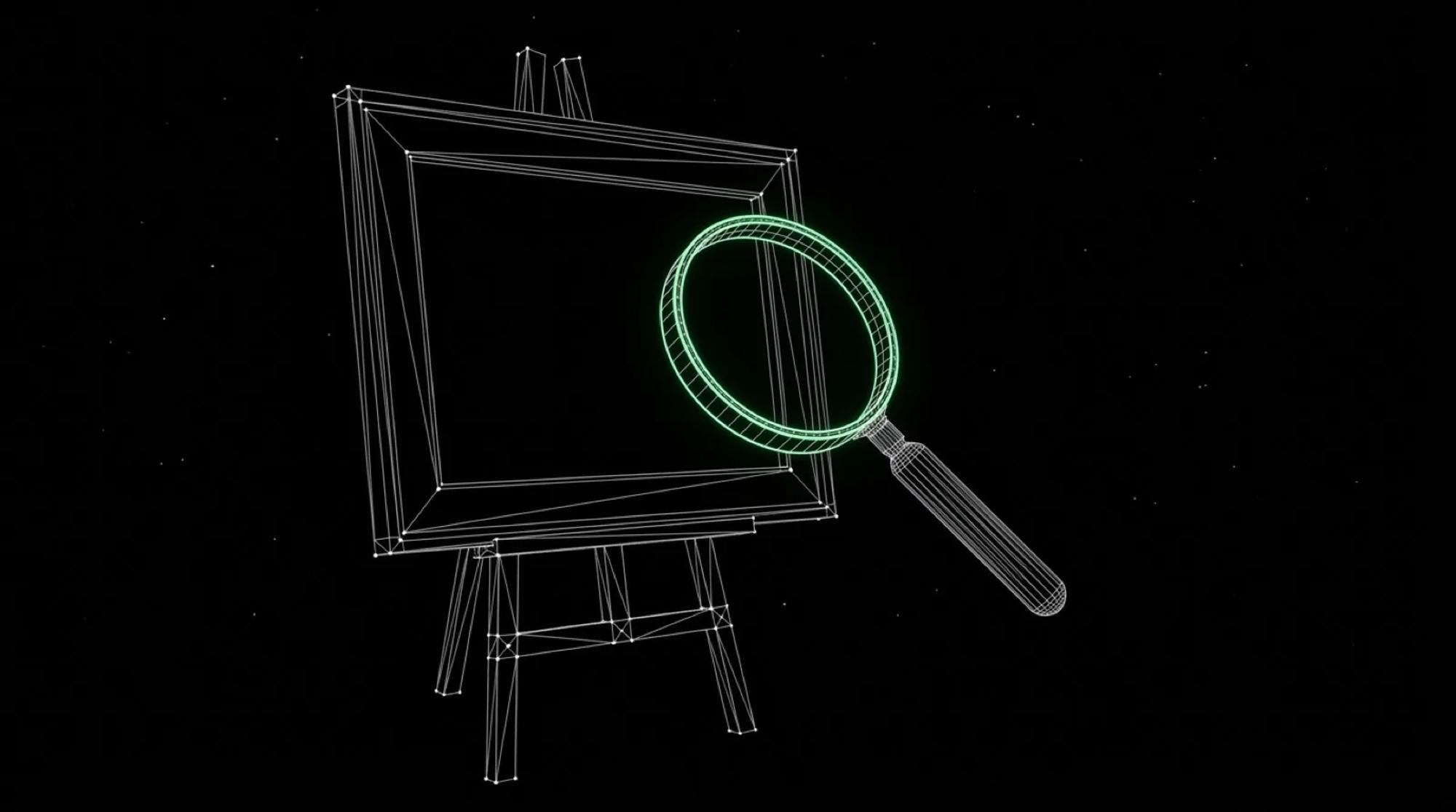
I settle the visual style before writing a single prompt. On this blog every image follows the same direction: a 3D object in white wireframe on a pure black background, points of light like stars, a few phosphor green lines and plenty of empty space. It is plain, it ages well, and nobody mistakes it for a photo.
What matters is that the style does not depend on my discipline. I don't copy it into each prompt: the tool appends a fixed style suffix itself, ending with "no people, no text, no letters, no numbers". If I forget a word, the image still follows the style.
The tool also handles the rest of the mechanical work:
- 16:9 format;
- resizing to 1,600 pixels wide;
- WebP compression, 350 KB at most;
- switching to a second model if the first one fails.
WebP is one of the formats Google Search Central lists as supported for image indexing. The same page advises against a generic image, or an image with text in it, as a page's preview image. One more reason to keep text out of the image itself.
03Write the prompt for the subject, not the style
Once the style is handed to the tool, the prompt only describes the subject, in English, in 25 to 120 words. I look for a simple metaphor taken from the article: a suspension bridge between two blocks for an integration, a clock broken into pieces for a schedule, a balance scale for a choice between two options.
The trap is the abstract subject. In the same Search Off the Record episode, one speaker recalls that when he asked for images of SEO terms, he nearly always got a bar chart with a line going up. A vague prompt gives a vague image. Google's documentation on image generation with Gemini says the same thing the other way round: be hyper-specific and explain the purpose of the image, describing the object rather than just naming it.
The check before generation
Before any call to the model, a command checks the prompt. It must contain "wireframe" or "line", and "black". It must not contain text, logo, watermark, lettering, words, caption, typography, brand, photo, person, people or face. A prompt that mentions a person is refused: generated faces are the first source of failed images.
This is the kind of prompt I write for an article about scoping a project:
``` A single wide sheet drawn in thin white wireframe lines, folded into four flat panels like a map, resting at a slight tilt on a pure black surface, seen from a low three-quarter angle, off-centre to the left. One phosphor green line runs across two of the panels. ```
It names one object, its position, the camera angle and the only element of colour. Nothing about the overall style: the tool takes care of that.
Vary from one article to the next
Before writing a prompt, I look at the latest published images. If the last three are centred and seen head-on, I move the object off-centre, change the angle, switch to a top-down view. A blog where every image looks alike feels mass-produced, even when each text has been worked on. Here the rule is still a judgement call: my tool spots a duplicate subject, not a duplicate composition.
04Look at every image before publishing it
This is the step I don't delegate. After generation, the image has to be looked at, then approved with a sentence of at least 12 words describing what it actually shows. Without that proof, the article's final check stays red and nothing goes live.
Writing "image fine" doesn't require looking. Writing "a white wireframe magnifying glass in front of an empty frame on an easel, black background, no visible letters" makes you check there is no stray letter in a corner, no six-fingered hand, no grey background.
When the image is wrong, I reject it with its reason: stray text, a person, a background that isn't black, an unreadable subject. The next prompt fixes that specific point. On the third rejection I stop and pick the image by hand. Looping forever on a model that can't get there costs more than a human decision.
Google asks the same of all generated content: manually review it before publishing, including metadata such as image alt text. I applied the same logic to the writing on this blog, with a gate that rereads every article before it is published. I describe it in my content machine with human review.
05Alt text and metadata
According to Google Search Central, alt text is the most important attribute for describing an image, and it serves first the people who can't see it. Google advises against stuffing it with keywords.
For a decorative image, the W3C decision tree is clear: an image that adds no meaning gets an empty alt attribute, and an image that adds meaning gets a short description of that meaning. My header images sit in between: they carry no information, but they are chosen to evoke the subject. So I give them a short text that describes what you see, without repeating the title.
My tool checks that text: mandatory, between 30 and 160 characters, with no year and no promise. "Complete guide" or "best" are refused. As the Google speakers advise in the podcast, I don't start with "image of": the screen reader already says so.
That leaves transparency. Google suggests giving context on how content was created, for example through image metadata. For product images, Merchant Center requires the IPTC metadata that flags an image as generated. On a blog this is not a Google requirement, but saying plainly that the illustrations are generated costs nothing. The rights question deserves its own article: I covered it in generative AI and copyright.
06The limits of the method
The method holds because the style is abstract. A wireframe object on a black background copes well with the model's approximations. If your style calls for realistic scenes, people or recognisable places, you will reject far more images, and the question of what is being shown gets more delicate.
Nor does it replace images that inform. A diagram, an interface screenshot or a table is made separately, with the real data. And it needs a little tooling: a script that adds the style, checks the prompt and records the proof. Without one, the "look at every image" rule lasts a few weeks, then people approve without looking.
Finally, variety is still a judgement call for me. I look at the latest images, but nothing stops me producing three similar compositions on a tired day. I haven't automated that here yet.
07Where to start on Monday
If you want to illustrate your blog with generated images, I would start with three written decisions, before the first prompt:
- A two-sentence style (subject, background, accent colour), turned into a suffix that is added automatically.
- The list of what the image must never show: text, logo, face, brand.
- The approval rule: a sentence describing the image, written after looking at it.
Then generate five images for five existing articles and put them side by side. You will see straight away whether the style holds and whether the compositions repeat. Writing prompts follow the same logic of written constraints, which I set out in my prompt for writing articles.
If you want to set up this kind of machine on your own blog, my services and the portfolio of past work show how I work. Happy to talk it through.